
Read a detailed QuickBooks review covering its key features, ease of use, and the pros and cons for efficient accounting and business management.
Managing a business is no small feat, and keeping your finances in order? That’s where things can get complicated.
Bookkeeping software, like QuickBooks, has become a trusted solution for many business owners aiming to simplify financial management. But is it the right choice for your needs?
In this review, we'll dive into this tool's key features, discussing the highlights and potential drawbacks.
Whether you’re just starting or looking for a more robust accounting solution to support growth, let’s explore if QuickBooks is worth your investment.
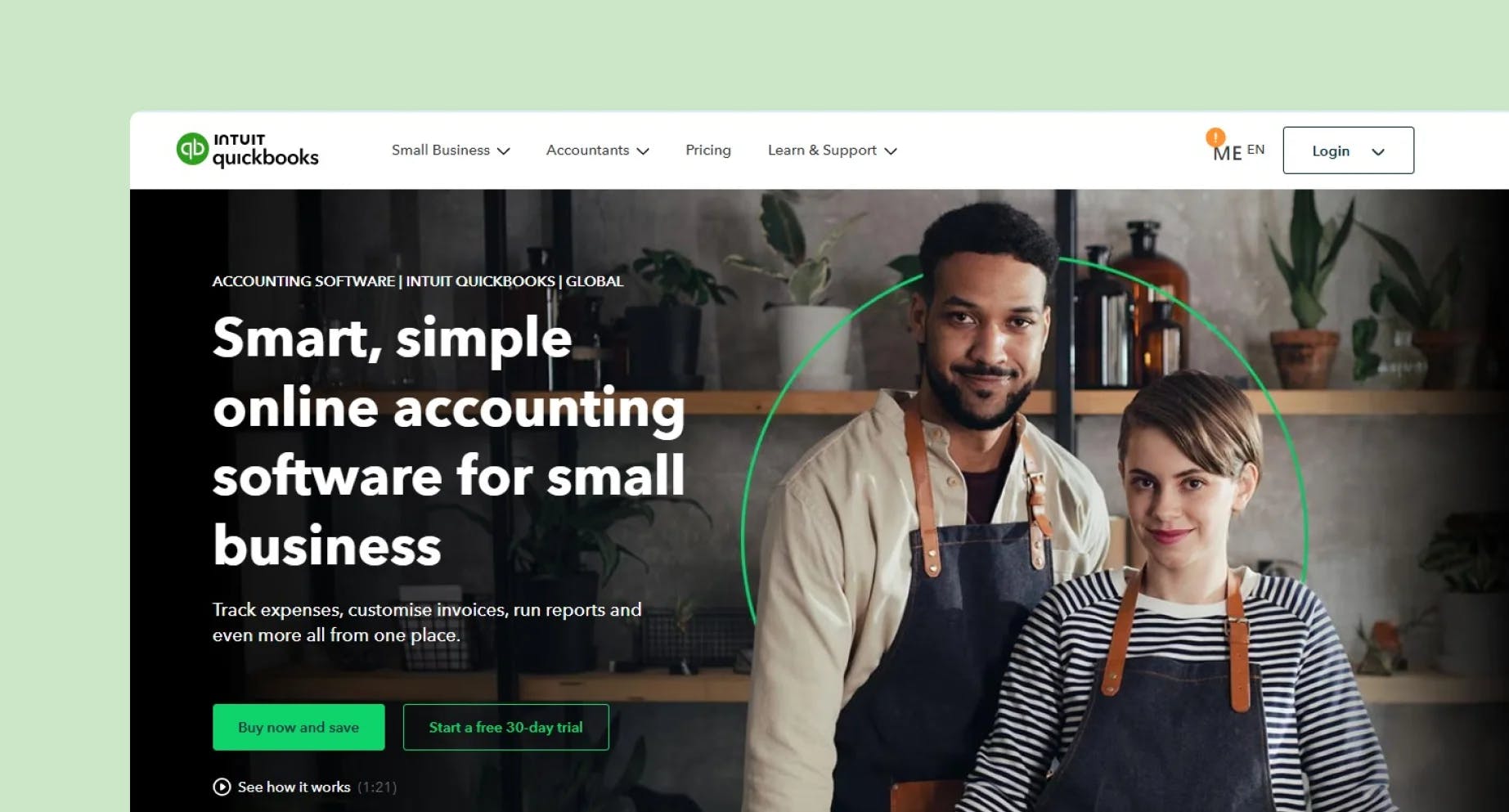
One thing’s clear about QuickBooks: it’s packed with features. From automatic bank imports to customised invoicing, QuickBooks offers a toolkit that goes beyond simple bookkeeping:
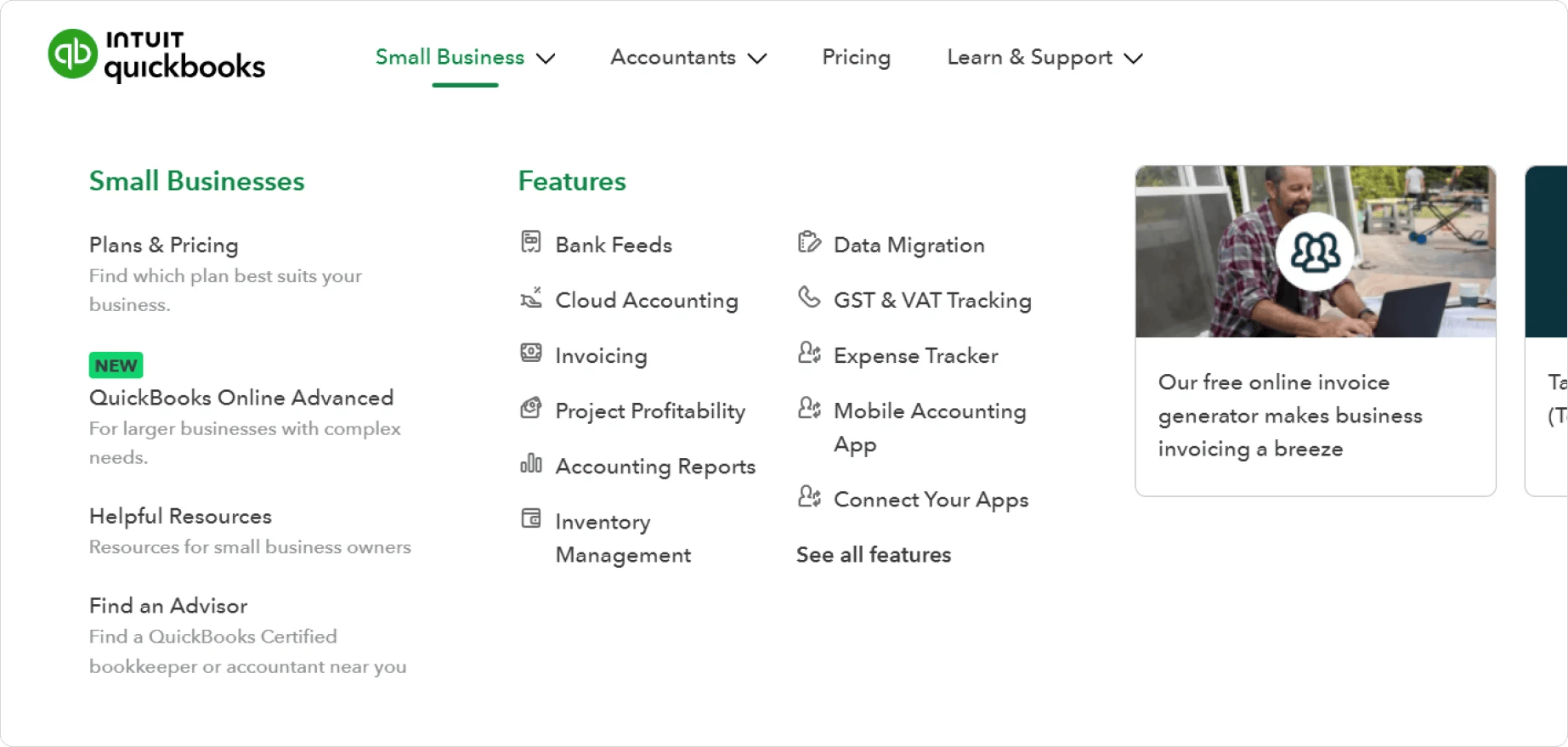
Now that we’ve covered what QuickBooks can do, let’s weigh the pros and cons.
If flexibility and accessibility are your top priorities, QuickBooks shines in a few key areas:
✔️ Cloud-Based Convenience: QuickBooks Online’s cloud-based design means you can log in from any device with an internet connection. There’s no need to download software, which is especially handy if you work from multiple locations or need remote access.
✔️ User-Friendly Design: With an intuitive interface, QuickBooks doesn’t require a steep learning curve to get started. The dashboard is designed to give you a snapshot of your finances so you can see where your business stands at a glance.
✔️ Affordable Plans and Free Trials: For businesses just starting, QuickBooks offers a range of pricing plans to fit different budgets, and you can test the software with a free trial to see if it’s a good fit.
✔️ Time-Saving Automation: QuickBooks can save time and money by automating tasks like expense tracking, invoicing, and bank reconciliation.
✔️ Client Portal for Payments: QuickBooks includes a client portal where your customers can pay invoices directly, making it easier to get paid and track payments.
✔️ Strong App Integration: From Shopify for e-commerce to PayPal for payments, the app integrations allow you to customise QuickBooks to meet your specific needs, expanding its functionality as your business grows.
However, no software is perfect, and QuickBooks has a few downsides worth considering before diving in.
❌ Learning Curve for Beginners: While QuickBooks is relatively user-friendly, there’s still a learning curve, especially if you’re not familiar with accounting basics. Setting up your books can take some time, and you might need to invest in tutorials or consult a QuickBooks expert.
❌ Higher Cost for Premium Features: QuickBooks can get pricey as you move up to more advanced features. For instance, if you need inventory management or detailed project tracking, you’ll need a higher-tier plan, which may be less affordable than some competitors.
❌ Limitations for Larger Teams: QuickBooks Online caps the number of users per plan, maxing out at 25 users with the Advanced plan. This can be limiting for larger businesses or those that require extensive collaboration.
❌ Additional Security Precautions Needed: QuickBooks Online is a secure platform, but there are risks as with any cloud-based service. You’ll need to take extra precautions to protect sensitive information, like setting up strong passwords and using two-factor authentication.
❌ Potential for Complexity as Your Business Grows: QuickBooks is fantastic for small to medium-sized businesses, but it may not grow seamlessly with a fast-expanding company. Some users find that they outgrow QuickBooks as their needs become more complex or industry-specific.
When it comes to everyday bookkeeping tasks, QuickBooks does an impressive job.
While QuickBooks Online is a powerful tool with a robust feature set, it’s essential to look at how it compares with other options like ANNA – a platform specifically designed for Australian businesses looking for an all-in-one solution.
Unlike QuickBooks, which requires separate add-ons for payroll, time tracking, and tax management, ANNA One includes comprehensive features tailored to simplify bookkeeping, business registration, and compliance.
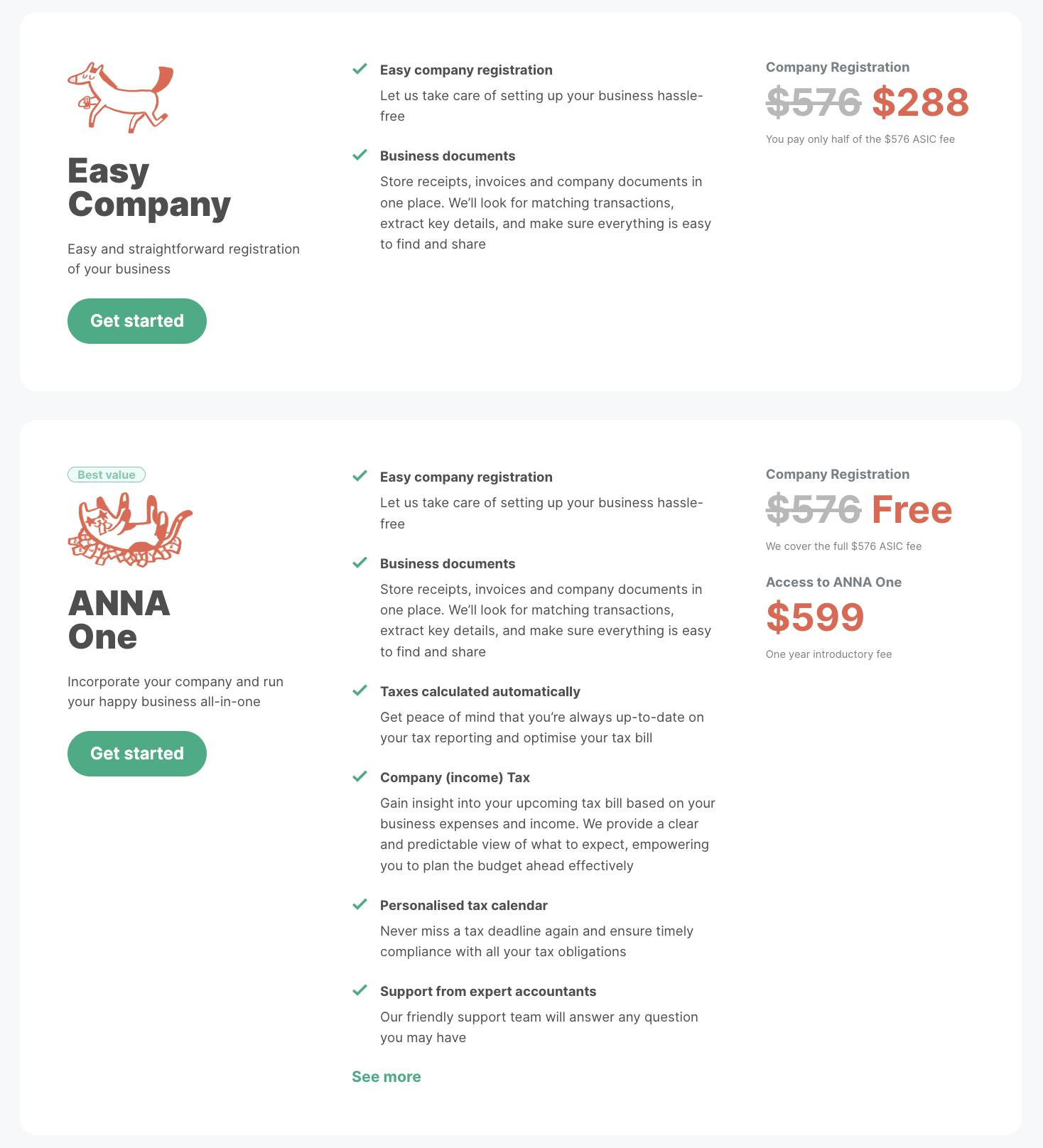
ANNA One offers free company registration and covers the setup of essentials like ABN, GST, and annual tax returns, all under one streamlined service. This is particularly useful for new businesses that need a simple, cost-effective solution to start and grow.
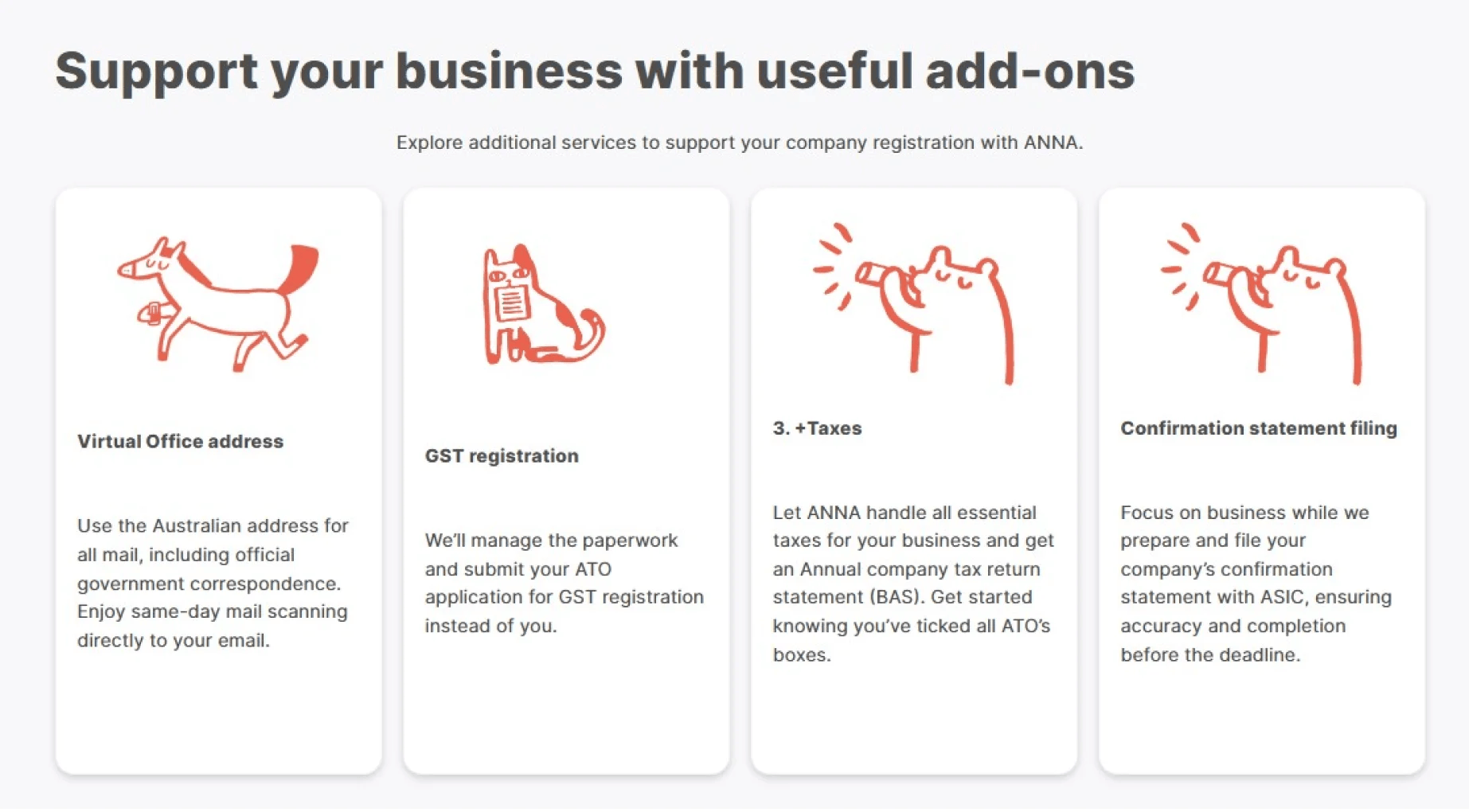
Additionally, QuickBooks pricing can increase as you add on advanced features or multiple users.

ANNA’s pricing remains straightforward, with everything included in the ANNA One subscription. ANNA even offers automated GST calculation, tax invoicing, and receipt matching to help optimise tax deductions, making it highly cost-effective for small businesses on a budget.
Finally, ANNA’s customer support stands out with 24/7 availability, even on holidays, offering quick, hands-on assistance, which can be invaluable for business owners who need reliable help at any time.

For those looking to minimise financial admin, streamline compliance, and maintain a predictable budget, ANNA provides an appealing alternative to QuickBooks for Australian businesses.
Simplify your business essentials with ANNA – banking, tax, invoicing, and more, all in one place.
Sign up today and make managing your business a breeze!
Register a business with ANNA and sign up for free - ANNA covers the incorporation fee for you
Register a business today
.svg)