
If GST and BAS have ever felt a bit confusing, you’re not alone.
That’s why we’re excited to introduce our new GST Estimation feature, designed to make GST and BAS feel a lot less overwhelming for small business owners, especially if you don’t come from a finance background.

A quick refresher… if you’re running a business in Australia, two acronyms you’ll hear a lot are GST and BAS. GST (Goods and Services Tax) is a 10% tax added to most goods and services sold in Australia. If your business earns over the GST turnover ($75,000) you’ll usually need to register for GST, charge it on your sales, and keep track of what you owe. BAS (Business Activity Statement) is the form businesses submit to the ATO (Australian Taxation Office) to report and pay GST.
Our GST Estimation tool gives you a live, cash-basis view of your GST position, updating automatically as money comes in and goes out of your business - so you can always see where things stand, without the manual work.

Instead of working things out yourself, you can quickly see:
You can also:
We’ve also added a simple GST% indicator, so you can quickly spot anything that might need a second look.


ANNA comes with pre-set GST rules built into categories, so you don’t need to worry about whether something is GST applicable or not.
We take care of the logic in the background, so you don’t have to think about any of that.
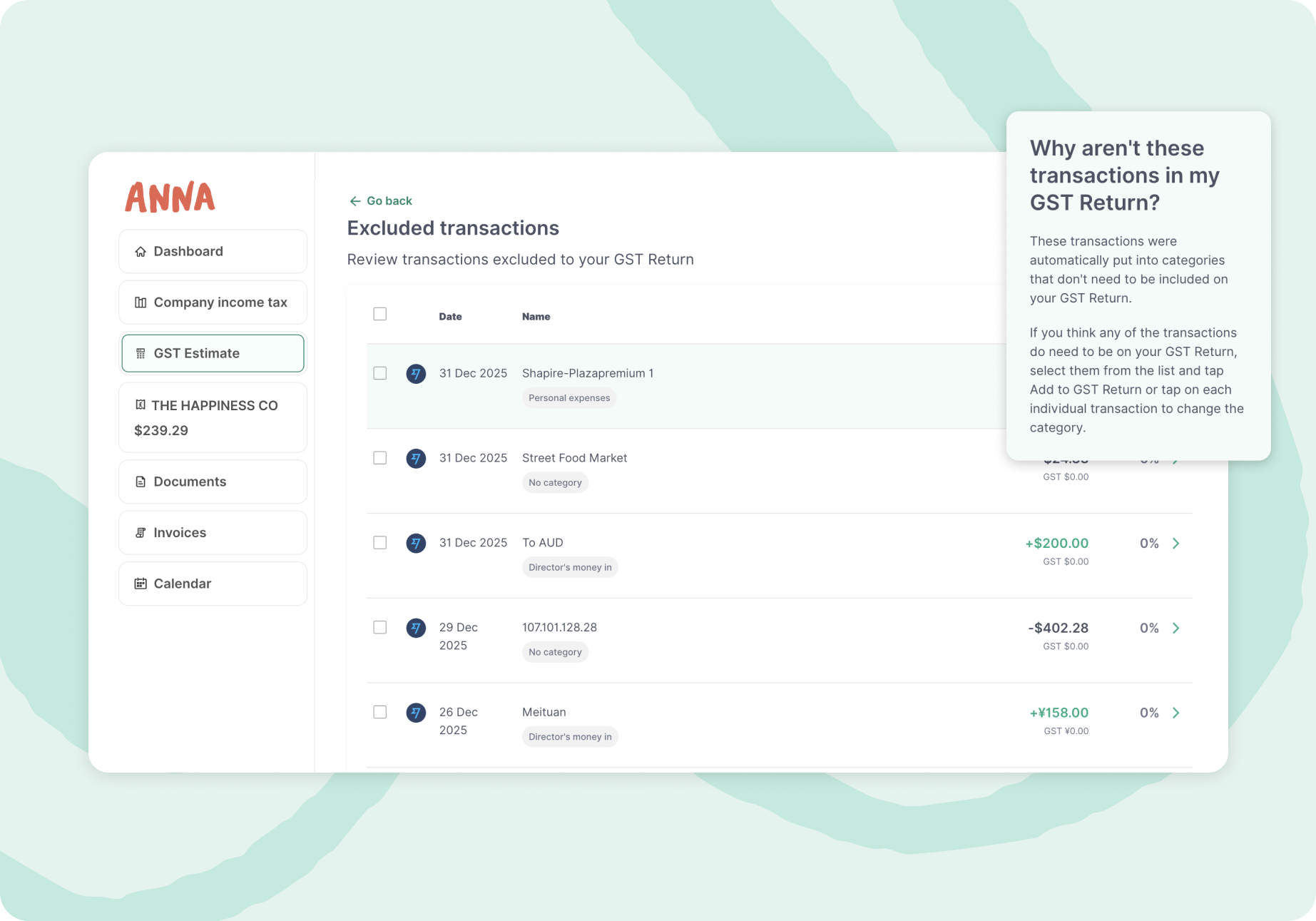
On your ANNA desktop dashboard, you’ll see full GST summaries and detailed breakdowns to help you review everything properly. In the transaction list view, you can also easily filter the transactions by date, category, or keywords whenever you need to find something quickly.
On the mobile app, you’ll get a quick snapshot of your current GST position anytime - perfect when you’re on the go. You can also update transaction details on the spot, including adding receipts, adjusting GST, and leaving notes as needed.

Your ANNA business account already brings your day-to-day transactions together.
If you also use other business bank accounts, you can connect them to ANNA using Open Banking.
That means your GST Estimation reflects your full financial picture - not just your ANNA account - helping keep everything more complete and accurate.
Once you’ve reviewed your GST summary, you can use it to complete your BAS via your ATO Business Portal, with figures aligned to BAS labels to make things easier.
And soon, you’ll be able to review and lodge your BAS directly in ANNA - no switching platforms. Hooray!
Got a question? If you ever need a hand, you can reach us anytime via in-app chat or email tax@annamoney.au. Our accountant support team is also here if you’d like extra help lodging your BAS.
At the end of each period, you can download a Bookkeeping Statement with everything in one place - transactions, categories, GST, notes, and receipts.
You can share it with your accountant for year-end work or extra support if needed.
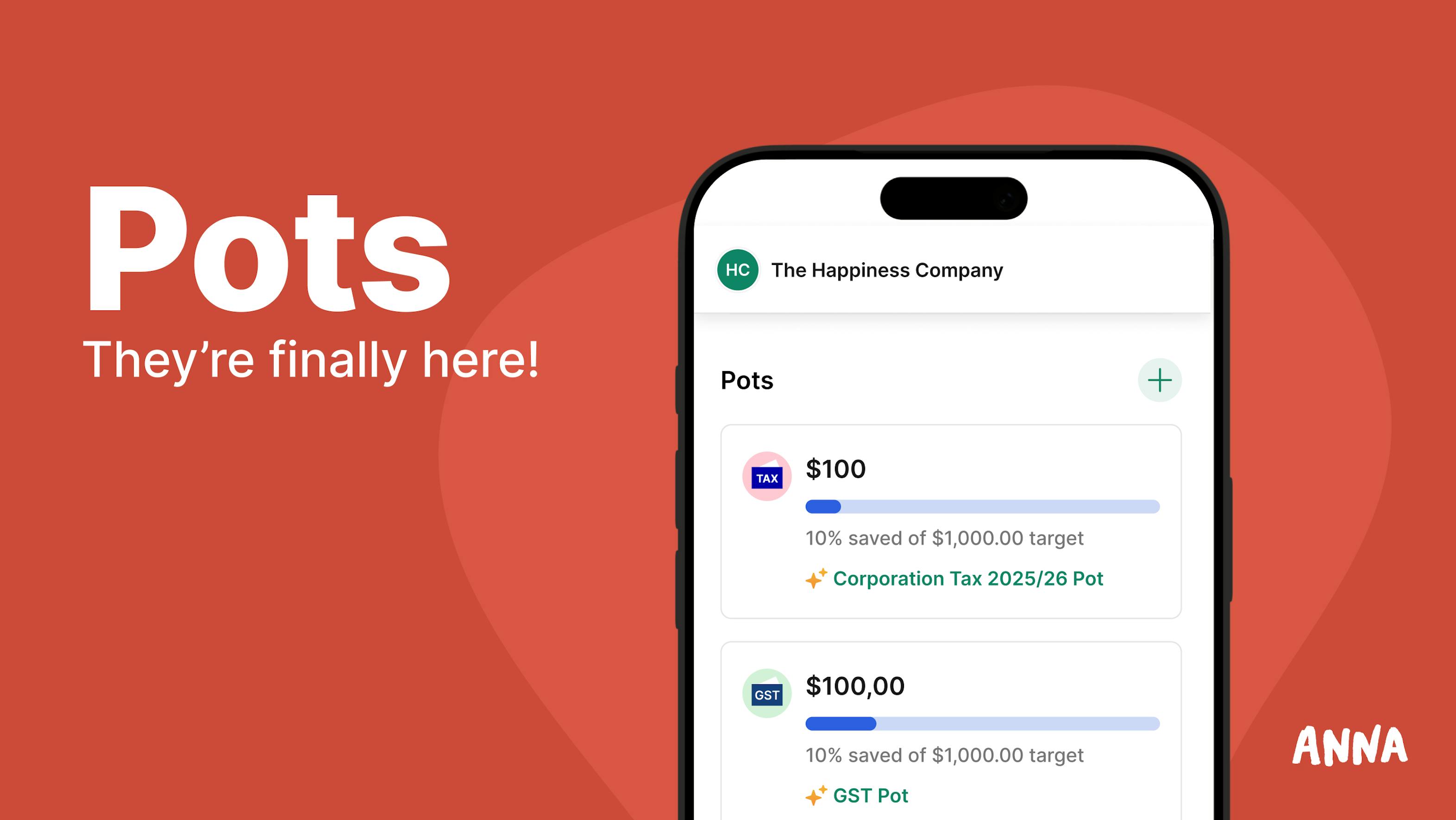
Saving for GST is much easier when the money is already set aside.
With ANNA Pots, you can set aside money:
It’s a simple way to stay ahead of GST, tax, and bills, so you always have enough money set aside.

You can upload receipts directly into ANNA mobile chat. ANNA will automatically match them where possible and pick up GST details for you.
If something doesn’t match, it will appear in your “Requires attention” list under Documents on desktop. From there, you can easily attach it to the right transaction.

We built GST Estimation to make GST clearer, simpler, and less stressful for every small business owner - especially if you’re not a numbers person.
If this is your first time dealing with GST or BAS, or you just want a quick refresher, we’ve put together a simple GST guide (click here) to help you get started.
And as always, if you need help, our team is here for you via in-app chat or email tax@annamoney.au — you’re not expected to figure it all out alone.
ANNA +Taxes is available for newly registered companies – first 1,000 customers get 6 months free. We auto-categorise your transactions and take care of your lodgements.

.svg)